ClawBrand AI
AI-Powered Brand Mockup System Built for Speed, Scale, and Precision
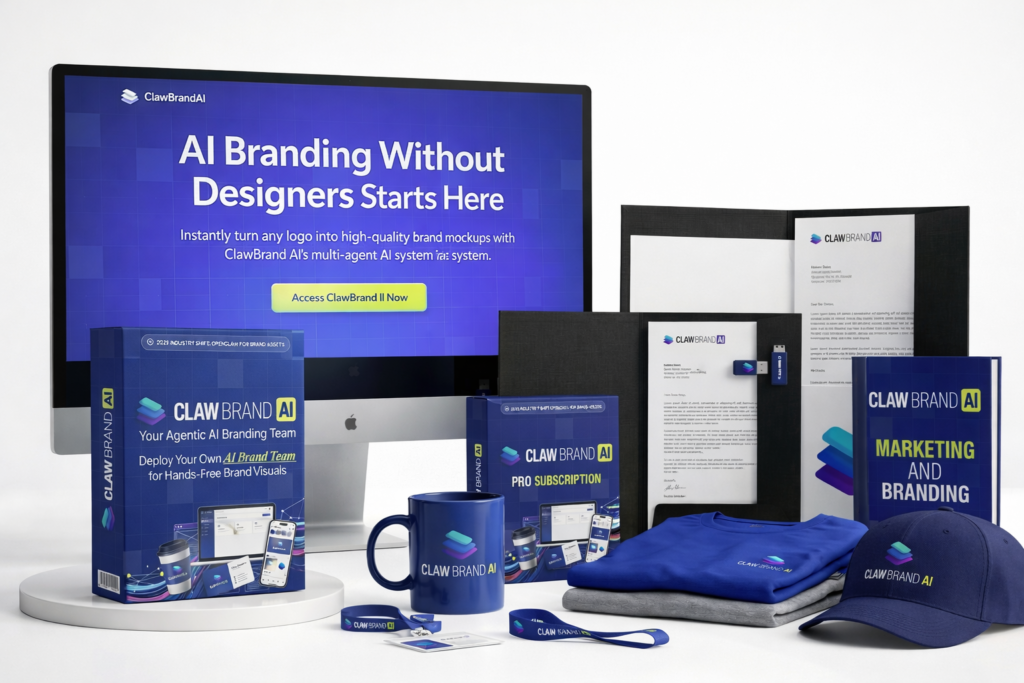
ClawBrand AI introduces a different way to create brand visuals. Instead of relying on designers, complex tools, or hours of manual work, this platform uses a coordinated AI system to generate photorealistic mockups in seconds. From product packaging to social media visuals, everything is handled automatically.
Access the ClawBrand AI official website to explore the platform and start creating high-quality brand assets instantly.
What is ClawBrand AI?
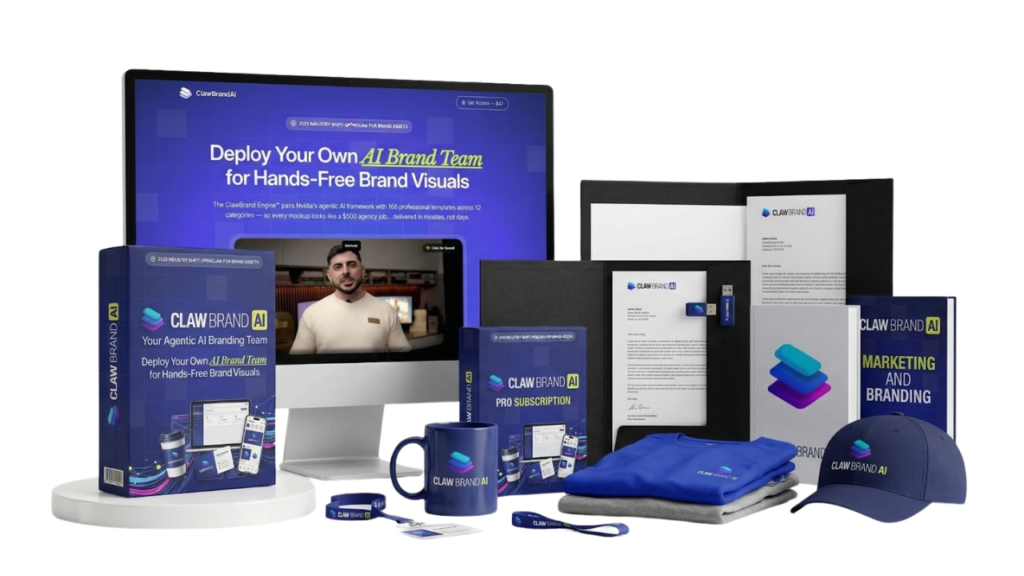
ClawBrand AI is an AI-powered brand mockup generation platform designed to turn logos into complete visual assets. It combines automation, intelligent design logic, and a structured template system to produce professional-grade outputs without requiring design skills.
In simple terms, it acts like a virtual design team compressed into a single tool.
Instead of juggling multiple tools like Photoshop, Canva, or freelance platforms, users can generate branded visuals in a single workflow. The system understands branding elements such as color consistency, logo positioning, and visual hierarchy, then applies them automatically.
Common Use Cases
- Creating product mockups for ecommerce stores
- Designing social media visuals and ads
- Building branding kits for clients
- Generating print-ready assets for packaging or merchandise
- Producing presentation-ready visuals for agencies
Who It’s For
Claw Brand AI is built for a wide audience:
- Affiliate marketers launching new offers
- Ecommerce sellers needing fast product visuals
- Agencies delivering branding services
- Freelancers scaling their output
- Content creators building personal brands
Here’s what most people don’t know: tools like this are not just about saving time—they fundamentally change how fast someone can launch and test ideas.
How ClawBrand AI Works
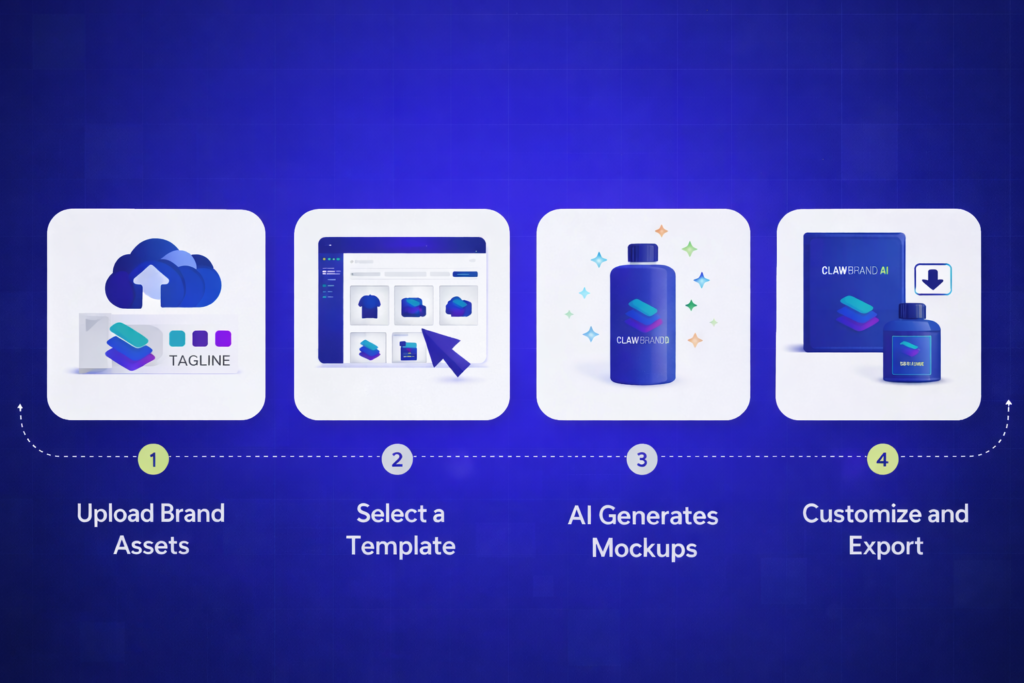
The platform follows a streamlined workflow. No complexity. No steep learning curve.
Step 1: Upload Brand Assets
Users upload their logo, define brand colors, and optionally add a tagline. This becomes the foundation of the brand kit.
Step 2: Select a Template or Scene
The system provides access to a large library of templates across multiple industries and use cases.
Step 3: AI Generates Mockups
The AI automatically applies branding elements, adjusts lighting, and produces realistic visuals.
Step 4: Customize and Export
Users can tweak details like shadows, reflections, or gradients, then export high-resolution files for web or print.
In simple terms, what used to take hours now takes minutes—sometimes seconds.
ClawBrand Engine™ (The Core Advantage)
This is where ClawBrand AI separates itself from typical tools.
Instead of relying on a single AI model, the platform uses a multi-agent system called the ClawBrand Engine™. It coordinates six specialized AI agents, each responsible for a specific part of the branding process.
The 6 AI Agents Explained
Nova — Brand Guardian
Maintains brand identity. Ensures colors, logo placement, and visual consistency stay aligned across all outputs.
Pixel — Mockup Generator
Handles image creation. Applies lighting, shadows, and realism to produce high-quality visuals.
Atlas — Template Curator
Selects the most suitable template based on the use case. Organizes the entire template ecosystem.
Prism — Scene Architect
Builds custom scenes from text prompts. This allows users to go beyond templates and create unique environments.
Vault — Asset Manager
Stores and organizes all assets. Enables quick reuse and efficient workflow management.
Apex — Production Director
Manages output, exports, and overall coordination. Ensures everything works together seamlessly.
Why This Matters
Most tools generate images.
ClawBrandAI orchestrates a complete production system.
The biggest mistake people make is assuming all AI tools are the same. In reality, the architecture behind the tool determines the quality of the output. And in this case, the multi-agent system creates a noticeable difference.
Features of ClawBrand AI
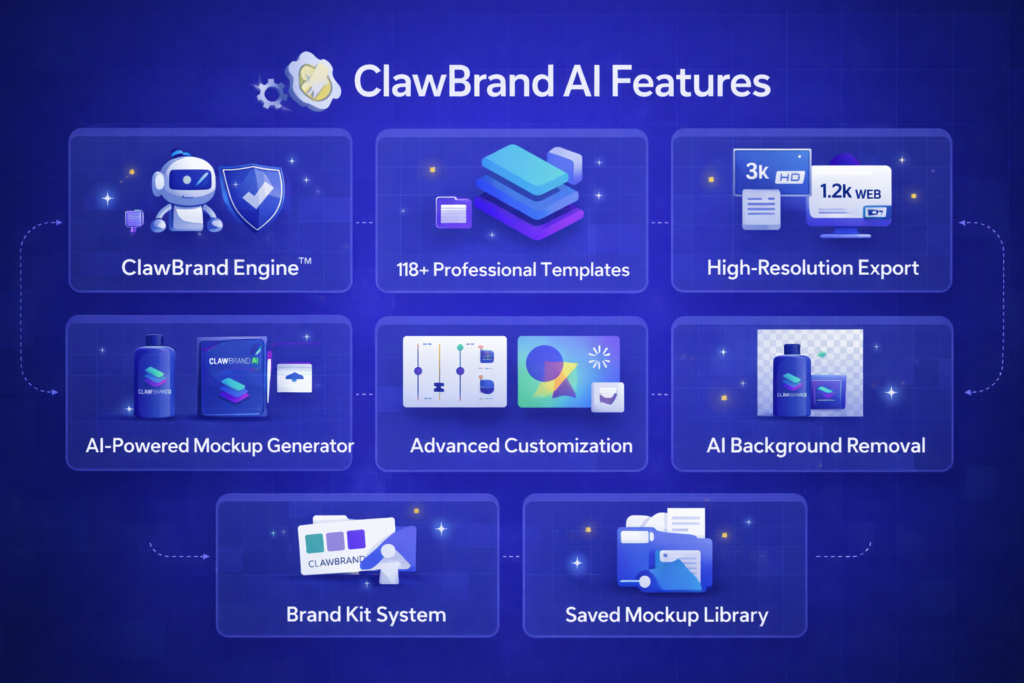
Below is a breakdown of the core features included in the platform:
Core AI System
- ClawBrand Engine™ with 6 AI agents
- Automated brand mockup generation
Branding System
- Persistent brand kit (logo, colors, tagline)
- Automatic consistency across all designs
Asset Management
- Upload and organize assets
- Tagging and categorization system
- Reusable asset workflows
Customization Controls
- Shadows and reflections
- Glossy and emboss effects
- Gradients and lighting adjustments
- Aspect ratio control
Output Quality
- 1200px (web-ready)
- 3000px (print-ready)
Credits System
- 275 generation credits included
Licensing
- Commercial use allowed
To be honest, the feature set is not just broad—it’s structured in a way that supports real-world workflows, not just experimentation.
Template Categories
ClawBrand AI offers a diverse template ecosystem across 12 categories:
- Digital
- Apparel
- Books
- Packaging
- Signage
- Stationery
- Food & Beverage
- Events
- Home
- Lifestyle
- Pro Scenes
This range allows users to create visuals for nearly any industry. Whether it’s a coffee brand, a SaaS product, or a clothing line, the system adapts accordingly.
ClawBrand AI Pricing Overview
ClawBrand AI starts with a front-end offer that provides access to the core system and template library.
Front-End Includes:
- Full ClawBrand Engine™
- 118 templates
- Brand kit system
- 275 credits
- Commercial license
👉 For a detailed breakdown, visit the pricing page.
Upgrade Overview:
- Professional version (advanced templates + AI tools)
- Template Club (monthly updates)
- Agency version (client management + scaling)
- Reseller rights (sell as your own product)
This layered structure allows users to start small and scale based on their needs.
ClawBrand AI OTO Breakdown
The platform includes multiple upgrades designed to expand functionality.
OTO 1: Professional Upgrade
Unlocks premium templates, advanced AI models, and SceneScaper AI for custom environments.
OTO 2: Template Club
Provides ongoing access to new templates and additional credits.
OTO 3: Agency Version
Adds client management, team access, and white-label capabilities.
OTO 4: Reseller Rights
Allows users to sell the platform under their own branding and keep 100% of profits.
👉 Full details are available on the OTO page.
Who is ClawBrandAI Best For?
ClawBrandAI is built for anyone who needs high-quality brand visuals without the usual complexity. It removes the bottlenecks—design skills, time, and cost—and replaces them with a fast, automated system. But to be honest, it shines the most for people who need speed, consistency, and scalability.
Here’s where it fits best:
Affiliate Marketers & Launch Jackers
Affiliate campaigns move fast. Creatives need to be ready before traffic starts coming in. ClawBrand AI helps generate product visuals, landing page graphics, and promotional images in minutes.
Instead of waiting for designers, campaigns can go live immediately.
Ecommerce & Print-on-Demand Sellers
Product visuals can make or break conversions. Whether it’s apparel, packaging, or lifestyle mockups, this platform creates realistic product images without physical samples.
Here’s what most people don’t know: better mockups often increase perceived product value—even before a customer reads the description.
Agencies & Local Business Consultants
Agencies usually juggle multiple clients, each with different branding needs. ClawBrand AI simplifies this by creating consistent, high-quality visuals for every client without increasing workload.
This means faster delivery, better margins, and the ability to take on more clients.
Freelancers & Designers
Freelancers often spend hours on repetitive design tasks. This tool handles the heavy lifting, allowing them to focus on strategy and creativity instead of manual work.
In simple terms, it acts like a productivity multiplier.
Content Creators & Personal Brands
Consistency is everything when building a personal brand. ClawBrand AI ensures that every visual—whether for YouTube, Instagram, or blogs—matches the same branding style automatically.
No more mismatched designs or inconsistent visuals.
Startups & Small Business Owners
New businesses need branding quickly, but budgets are often limited. Claw Brand AI provides a cost-effective way to create professional visuals without hiring a full design team.
The biggest mistake people make is delaying branding because it feels expensive or complicated. This removes that barrier completely.
Coaches, Course Creators & Digital Product Sellers
From course thumbnails to promotional banners, digital product sellers constantly need new visuals. ClawBrand AI makes it easy to produce polished graphics that look like they were created by a professional team.
ClawBrand AI isn’t just for one type of user—it’s for anyone who values speed, consistency, and professional-quality branding without the traditional effort.
If visuals play any role in a business (and they always do), this system becomes more than just a tool—it becomes part of the workflow.
Claw Brand AI FAQ
Is ClawBrand AI beginner-friendly?
Yes, the platform is designed for users with no design experience.
Can the mockups be used commercially?
Yes, all outputs include a commercial license.
Does it require design software?
No, everything is handled inside the platform.
Are templates customizable?
Yes, users can adjust multiple visual elements.
Where can full FAQs be found?
Visit the ClawBrand AI FAQ page for detailed answers.
Final Thoughts on ClawBrand AI
ClawBrand AI is more than just another AI tool. It represents a shift in how branding is approached—moving from manual design workflows to automated systems that operate with speed and consistency.
The combination of a multi-agent AI engine, structured templates, and scalable upgrades makes it suitable for both beginners and professionals.
To be honest, the real strength of this platform lies in its ability to remove friction. No waiting. No complexity. No dependency on external resources.
Access the ClawBrand AI official website to explore features, generate mockups, and start building brand visuals instantly.